
The start of the year comes with plenty of good news. SmartAccounts’ service packages have gone through a refresh, and the Pro plan now includes several useful new features. We also covered these changes in more detail at the end of last year here.
As a quick reminder: starting from January, SmartAccounts offers two pricing plans – Starter and Pro.
The Starter plan is designed for businesses just getting started, while Pro is intended for active companies with higher demands for software functionality.
The Pro plan includes several enhancements that help both entrepreneurs and accountants streamline their daily workflows.
Below is a brief overview of the new features available in the Pro plan.
Automatic reminders for unpaid invoices
The first Pro feature we’d like to introduce is automatic reminders for unpaid invoices. Automated reminders help ensure invoices are paid on time and are a valuable tool for managing cash flow.
Getting started with unpaid invoice reminders is quick and easy. You simply define the criteria for when reminders should be generated and sent.
While automatic sending is the most convenient option, reminders can also be sent manually in bulk if needed.
You can configure and send reminder rules on the ‘Sales/purchases – Reminders‘ page.
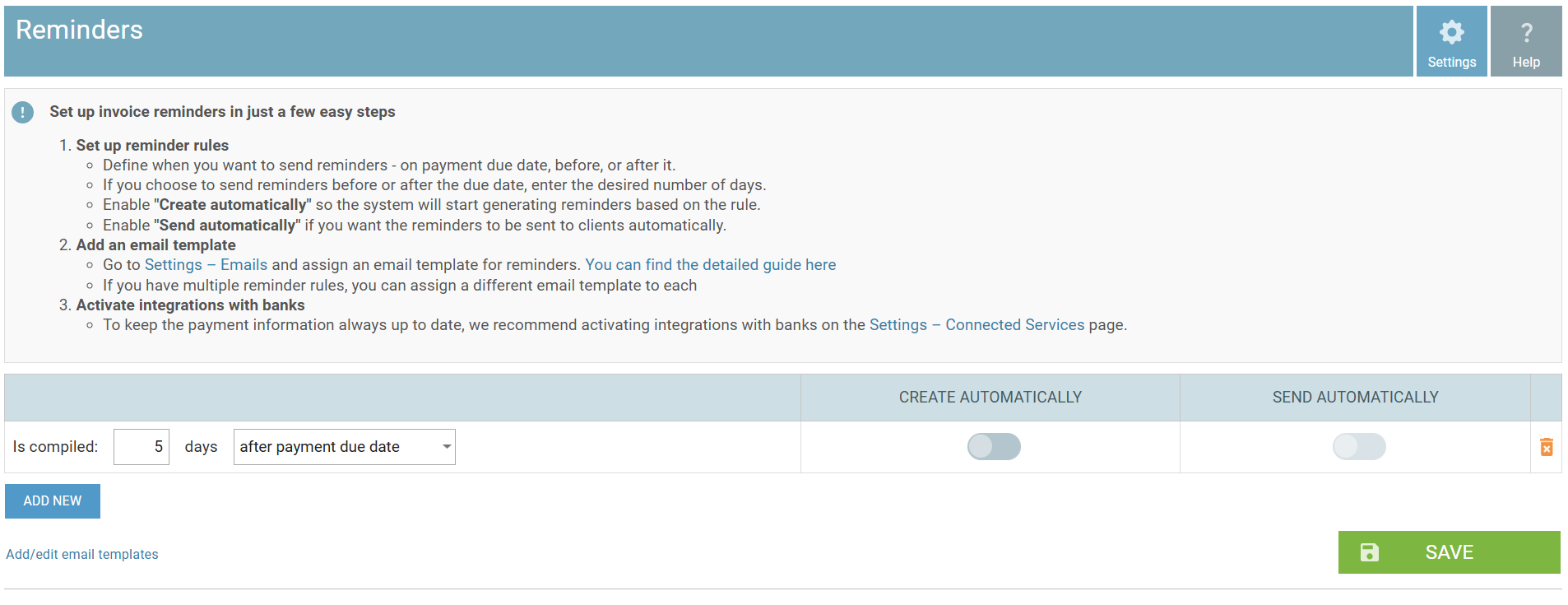
Be sure to check out our step-by-step guide as well
Convenient side-by-side preview for purchase invoices
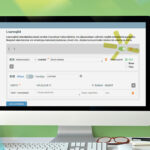
The next Pro update is the convenient side-by-side preview for purchase invoices. There is no longer a need to download files and open them separately. The invoice file now opens neatly alongside or above the purchase invoice.
The exact layout depends on your screen size. From the preview, you can easily review information or enter data directly into the invoice.
You can find more details in our guide
Allocation of expenses
The introduction of allocation of expenses in the Pro plan will likely be especially appreciated by accountants. There is no longer a need to manually create allocation entries in the general ledger. Purchase invoices can now be allocated automatically.
The allocation option becomes available after saving a purchase invoice under the ‘More‘ button.
To allocate expenses, you need to define:
- the number of months (1–120),
- the start date (by default, the invoice date),
- the expense account,
- and then save.
Allocation entries can be found under ‘Linked documents‘ on the purchase invoice and in the general ledger report. Automatic entries use the purchase invoice entry type (OA). Entries are displayed in the format PI-1 / 1 (where ‘PI-1’ is the purchase invoice number and ‘/1’ is the allocation sequence number).
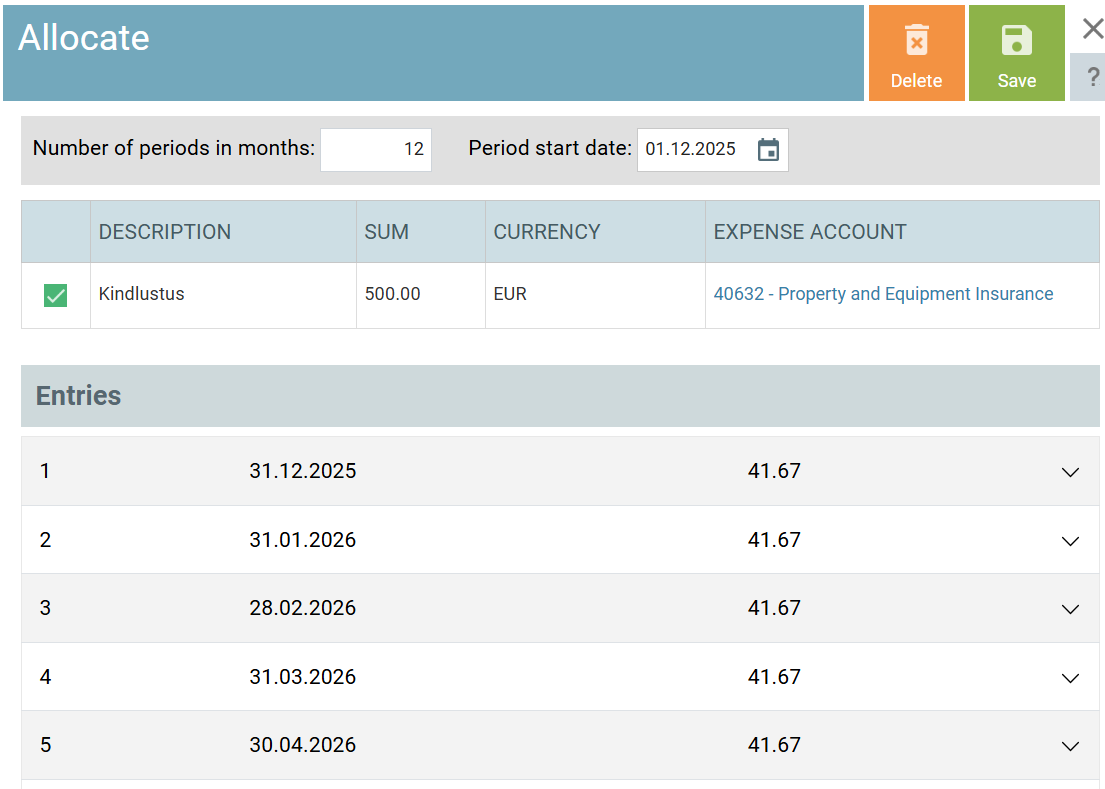
Learn more in our detailed guide
Pending purchases and file uploads
Previously, only image files could be uploaded to the Pending purchases page. This option has now been expanded*. With the Pro plan, you can upload files up to 10 MB in the following formats:
- JPG
- PNG
- GIF
- TXT
- HTML
If you are still entering purchase invoices manually, you can now upload PDF files to the Pending purchases page and easily copy information from the document while entering the data.
* In the Starter and Entry-based packages, only JPG, PNG and GIF files can be uploaded.
It’s also worth noting that the Pro plan includes API access, allowing you to connect SmartAccounts with a cost management solution that suits your needs.
Read more about the API functionality
Special offer for the users of Starter and Entry-based plans
Would you like to try out the new and exciting Pro plan features yourself?
Here’s how:
- Go to ‘Settings – Billing settings‘
- Activate the Pro plan
- Enjoy it for three months at half the price
This means the package costs just 13.50 € + VAT per month during the offer period!
***
If you have any questions about the new packages or features, feel free to call us at 660 3303 or write to info@smartaccounts.eu
.