
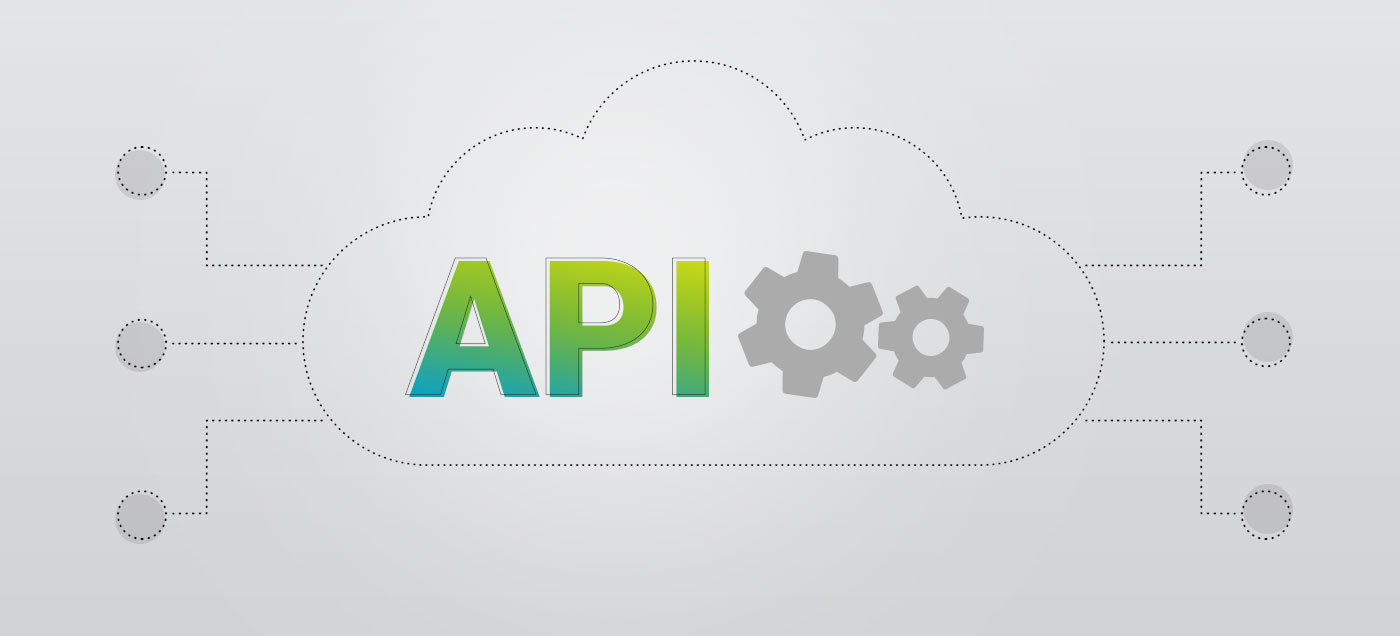

You may have noticed that from time to time an acronym like API pops up in our posts. But have you ever stopped to think about what it actually means—and how it could benefit you?
An API, or Application Programming Interface, is essentially a connector that allows different systems or software applications to communicate with each other. In other words, an API acts as an intermediary through which data flows from one piece of software to another. The result is more up-to-date reporting (because data moves faster), significantly less manual data entry, and ultimately more accurate information.
It’s also worth noting that APIs can be either custom-built or off-the-shelf solutions. Custom APIs are developed based on a specific client’s needs and tailored exactly to their requirements. Off-the-shelf solutions, on the other hand, cover core use cases and are generally suitable for the majority of customers. Below, we’ll take a closer look at how API services can work for you.
When is an API service useful?
E-commerce accounting
An online store typically generates a large volume of daily sales, which traditionally have to be entered manually into the accounting software. However, if your e-commerce platform is integrated with your accounting software, sales invoices created in the store are automatically synced with your accounting—eliminating the need for manual entry.
Effortless expense management
Accountants often spend a significant portion of their day manually entering expense documents and receipts. With the help of an API, the time spent on entering purchase invoices can be reduced dramatically—or even eliminated altogether.
Build your own solution
Thanks to SmartAccounts’ powerful API, you can integrate virtually any system (such as CRM software or custom platforms) directly with your accounting.
More ready-made integrations
In addition to the solutions mentioned above, SmartAccounts integrates via API with rental management software like Bidrento. Accounting firms can also invoice their clients faster and more conveniently using the time management software Uku.
How to activate the API service
In SmartAccounts, the API service is included in your monthly subscription at no additional cost. To activate the service:
- Ensure your company is on a monthly paid subscription (Settings → Billing Settings).
- Enable the service under Settings → Connected services.
Once activated, the system generates unique API keys for your company. You will need to enter these keys into the system you wish to integrate with SmartAccounts (for example, Envoice, CostPocket, Uku, etc.).
If you feel that any of these processes could benefit your business or if you have additional questions about integrations, feel free to call us at +372 660 3303 or email us at info@smartaccounts.eu.
***
Who is SmartAccounts for? SmartAccounts is the ideal choice for managing the day-to-day accounting of small and medium-sized businesses.